 YardScape
Coming soon
Plan your yard from a few phone videos.
YardScape turns photos or video of your yard into a plan drawn to scale. Change anything you like, then see a lifelike preview before you build.
How it works
From your phone to a plan you can build from.
-
Film your yard
Take a few photos or a short video on your phone. No tape measure or drone needed.
-
Get a plan to scale
AI draws your lot, house, patio, trees and fences, and marks anything it had to guess so you can check it.
-
Make it yours
Swap lawn for pavers, add a deck or plant a hedge. Drag things, or type exact sizes.
-
See it before you build
Get lifelike previews of the finished design, from the patio and from above.
A real yard
One backyard, three designs.
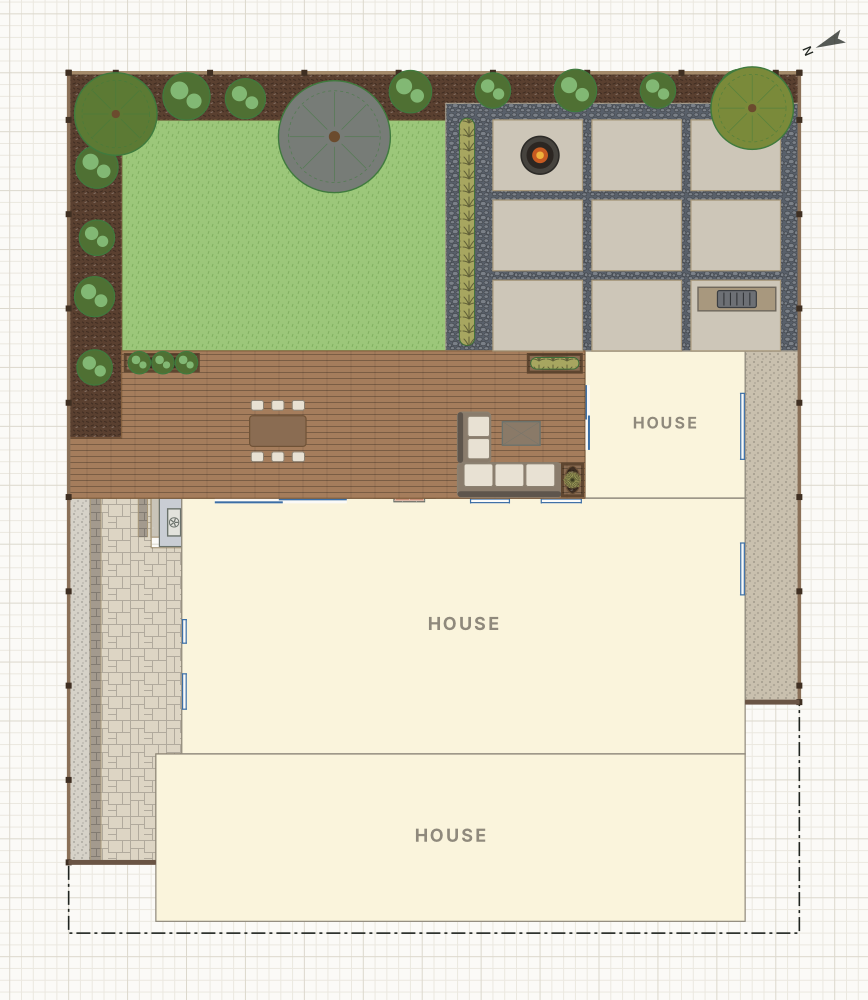
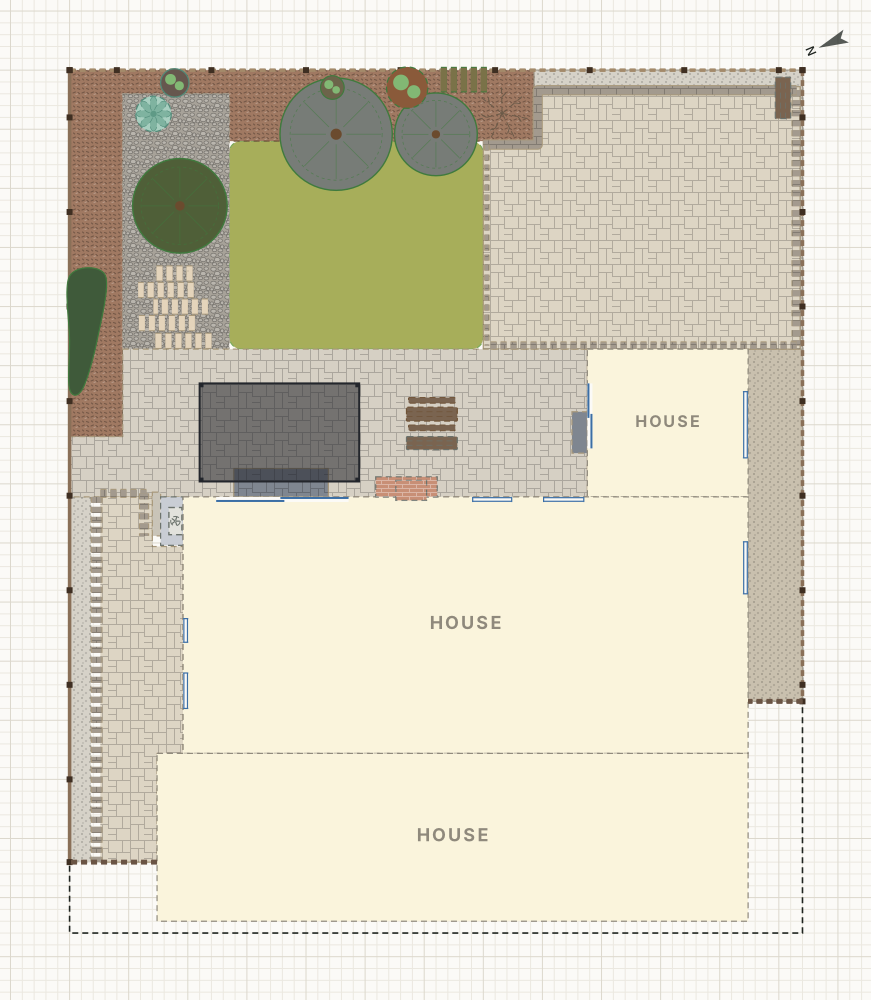
We filmed a real backyard with an iPhone. YardScape turned the videos into a plan, and then we tried three designs on it. Each picture here is the plan, as YardScape draws it.
- 3short phone videos to start
- 51things placed: the house, fences, paving, trees and furniture
- 3designs to compare, all from the same plan
Built for homeowners
Simple by default, precise when you need it.
Real sizes everywhere
Every shape shows its width and depth. Click any number to type a new one, like 12' 6" or 3.5 m.
Curves and odd-shaped lots
Draw curved beds, winding paths and angled lots point by point, with typed lengths.
The things yards are made of
Lawn, pavers, decks, gravel, hedges, trees, pools, pergolas and outdoor furniture, ready to place.
Honest about its guesses
When the AI isn't sure about something, it's drawn dashed until you check it.
Lifelike previews
See your finished yard in true light and shadow before you buy a single paver.
No CAD skills needed
It uses plain words and sensible defaults. If you can drag a rectangle, you can plan a yard.
Be first in line.
We're opening YardScape to a small group of homeowners first. Join the wait list and we'll email you when it's your turn.
Join the wait list